Case Study
GitLaw (2025–Present): Building an AI Legal Companion for Real Business Workflows
An AI legal companion where teams can draft, review, edit, sign, and store legal documents in one workflow. Includes lawyer-vetted templates, plain-language contract explanations, tracked changes, secure storage, reminders, organization management, and billing.
Traction
GitLaw is used by teams at organizations including NYU, Samsung, and the NHS.
Problem
Small businesses and teams lose hours to legal busywork because they lack:
- A single workflow to draft, review, sign, and store legal documents
- Lawyer-vetted templates they can customize quickly
- Plain-language contract explanations before signing
- Integrated signatures and document reminders
- Tracked changes, secure storage, and collaboration controls
- A practical AI assistant tuned for legal workflows instead of generic chat
Solution
GitLaw is an AI legal companion built for operational legal work. It provides:
- AI chat for legal drafting, review, and contract explanation in plain language
- One workflow to ask, edit, sign, and store documents without context switching
- 100% free eSign integrated into the main document workflow
- Public community library for lawyer-vetted template discovery and reuse
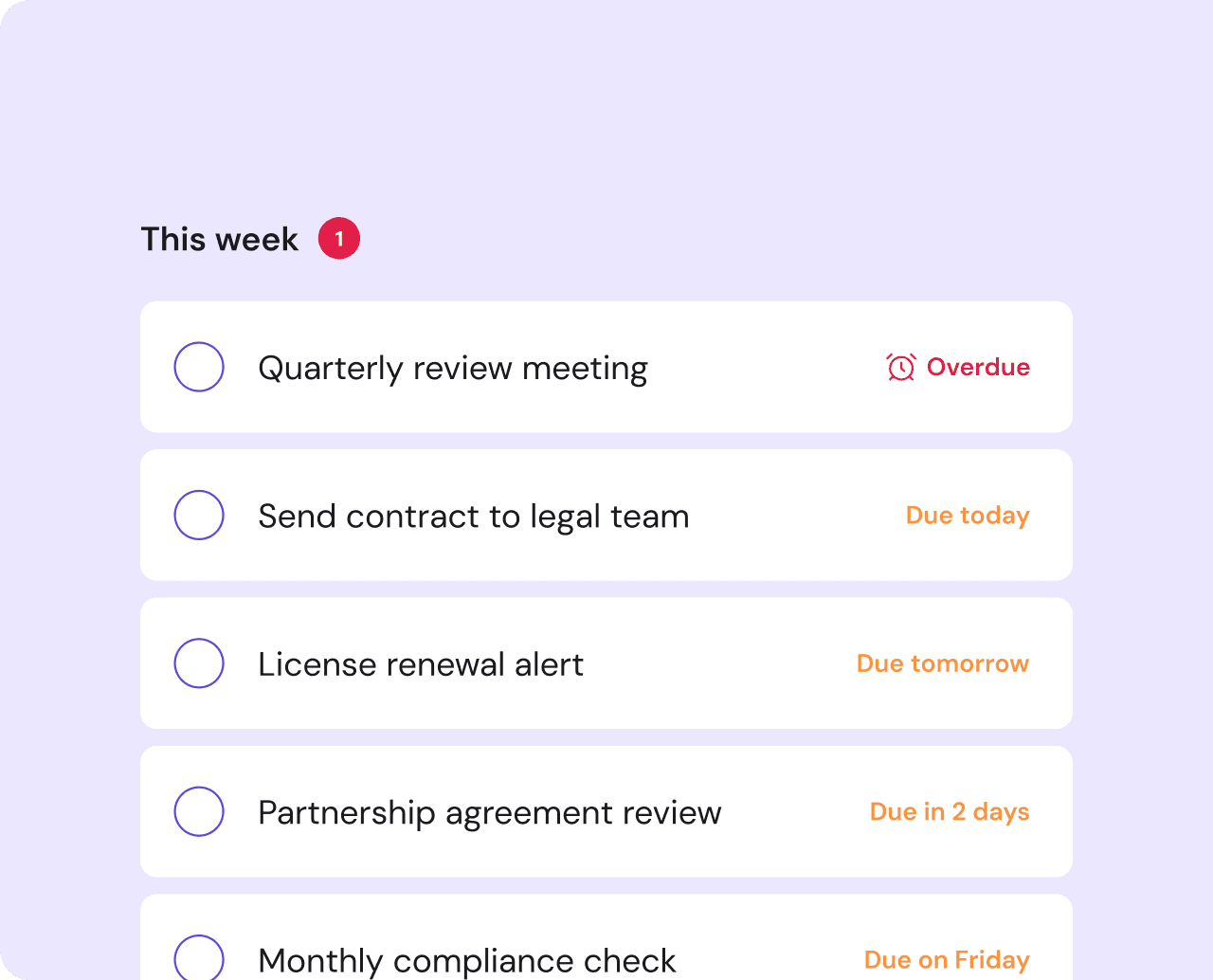
- Tracked changes, secure document storage, and signing notifications
- Organization management with role-based access controls
- Elasticsearch-powered full-text search and version history
- Stripe billing for paid workflows with free-first onboarding
- Public API and integration hooks for workflow automation
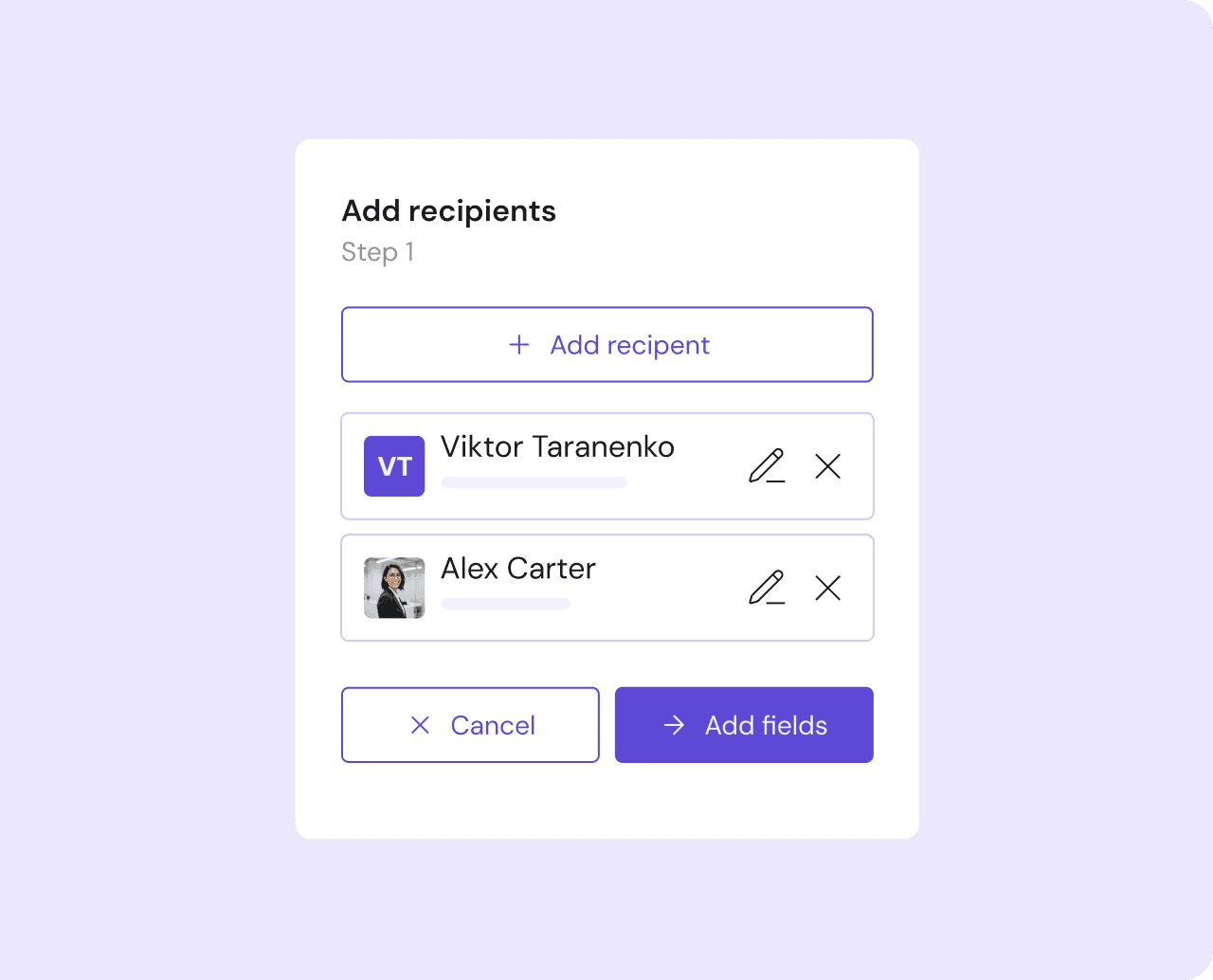
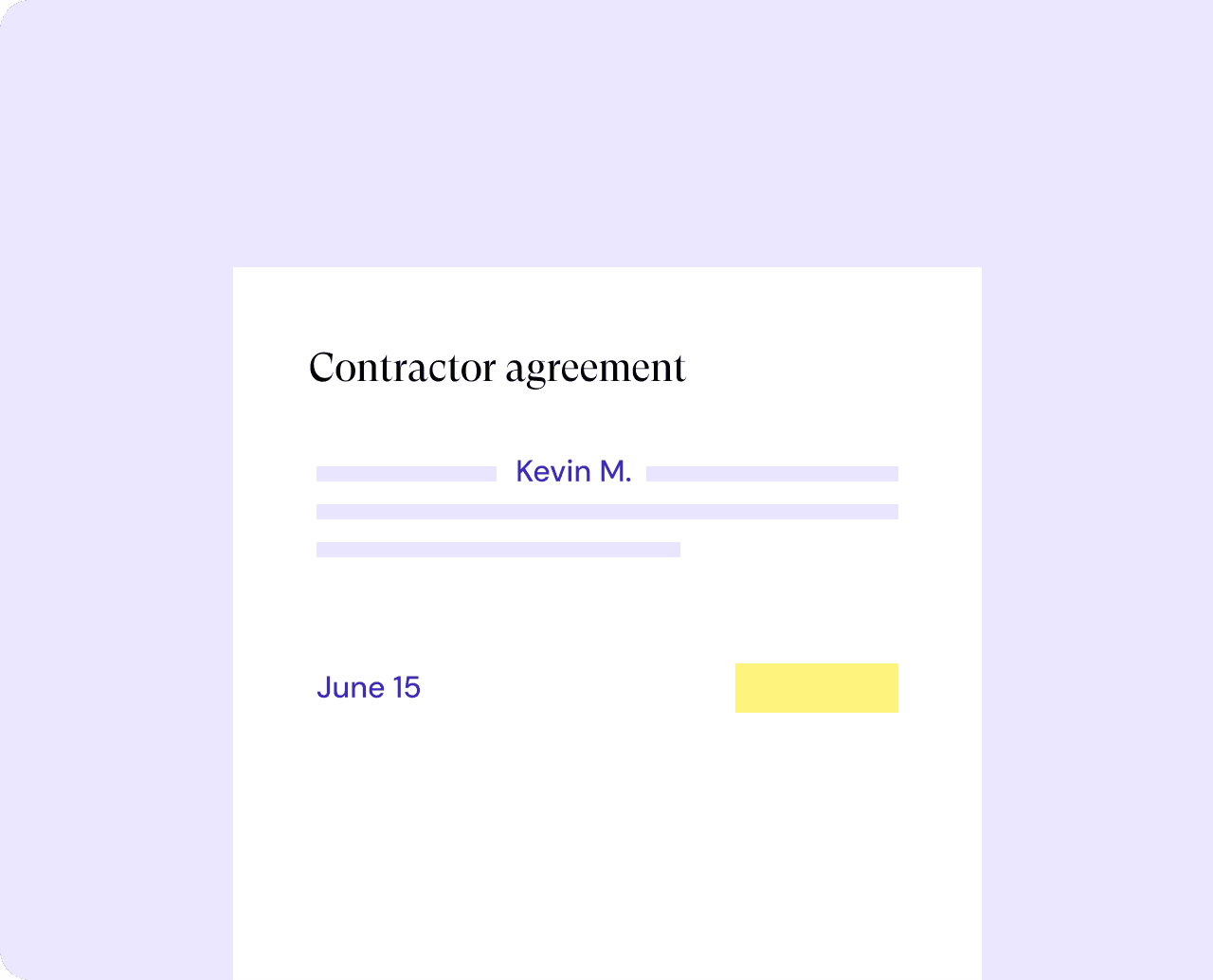
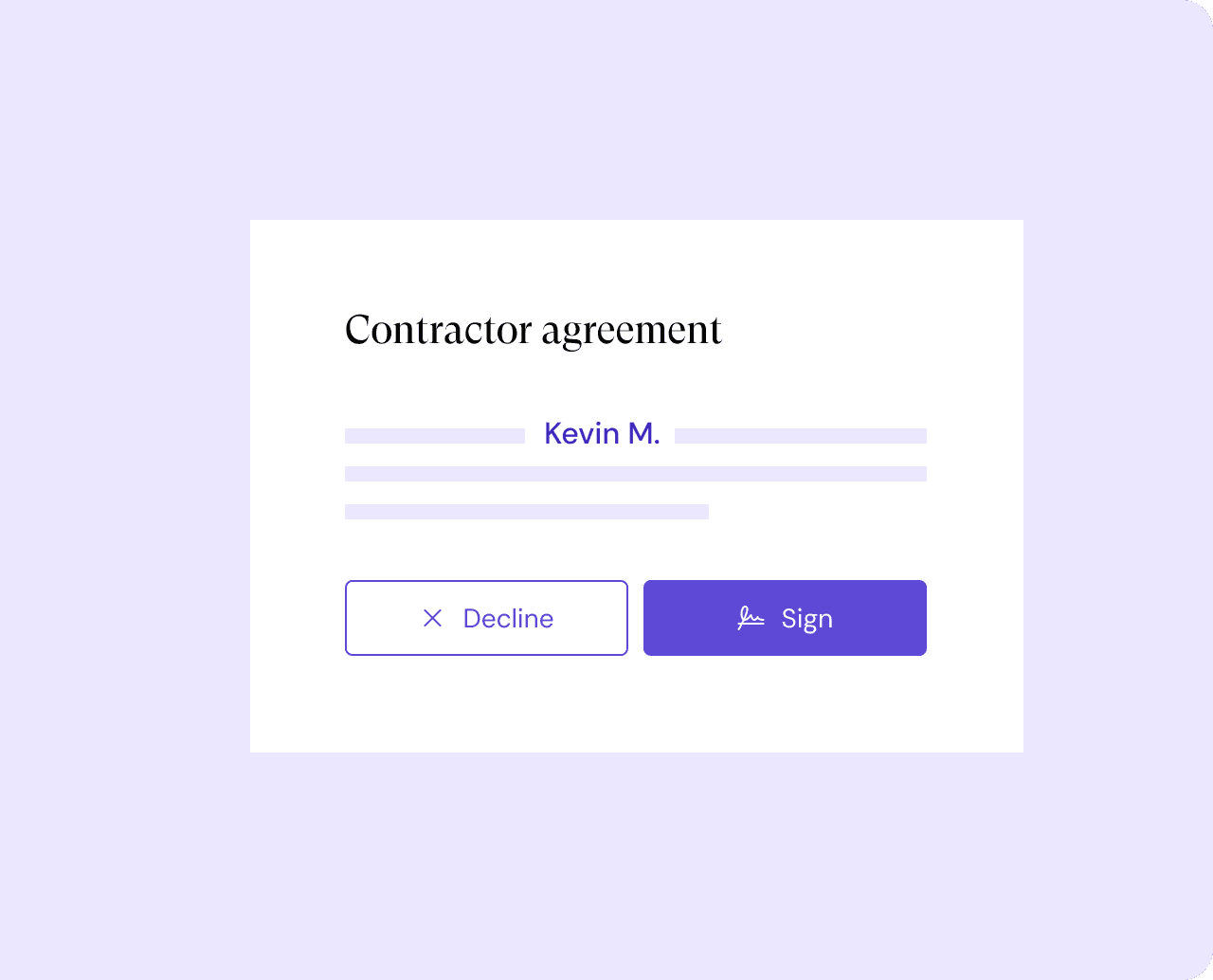
eSign Workflow: the feature I led
High-Level Architecture
Frontend
- Next.js (App Router, SSR, RSC)
- React 19
- TypeScript (strict)
- Tailwind CSS
- Radix UI
- TipTap / ProseMirror editor
Backend
- NestJS (microservices)
- TypeORM + PostgreSQL
- Elasticsearch
- Redis
- Stripe billing
- Google Gemini (AI features)
Patterns
- Domain-Driven Design
- Microservices architecture
- Feature-first code organization
Infrastructure
- Kubernetes (staging + prod)
- ArgoCD (GitOps)
- Docker
- Sentry (errors, performance, tracing)
Scope of Ownership
Frontend-focused full-stack engineer with ownership across the following areas:
Billing
Built pricing pages, checkout, subscription management, usage tracking, organization billing, and the credits/top-up system on Stripe, across the Next.js app and the NestJS billing service. The credit top-up flow opened a revenue line the product did not have before, and within about two months of launch it grew to roughly a third of GitLaw's billing volume.
Community
Developed a public document library with lawyer-vetted templates, discovery, filtering, publishing, a star system, public user profiles, and SEO-optimized server-rendered pages.
eSign
As the eSign lead, wrote the architecture RFCs and built the full 100% free e-signature system across the Next.js app and the NestJS eSigning service: PDF field placement, multi-role recipients, embedded iframe signing, signed-document delivery, and email notifications in a 60-second setup flow.
Change Requests
Built GitLaw's document-review system: change requests (like pull requests for legal contracts) with suggest mode, per-change accept/reject, send-back, sign/decline receiver actions, and merge (stored as ADF). This is the collaborative core of the Git-based editor, spanning the editor, chat, and sharing surfaces plus the backend.
Sharing & Collaboration
Built the sharing flows: share modal, receiver landing and send-back, recipient preview, link-based access (anyone-with-link) with activation grants, and fork-via-link-token, across the Next.js app and the NestJS sharing service.
AI Workflow
Contributed to the core draft/review workflow that lets users chat with the AI legal companion, apply edits, sign, and store documents without switching tools.
Deployment & Infrastructure
Own the GitOps deployment config for the services I build: ArgoCD Application definitions, Kubernetes (Kustomize) overlays, per-namespace environment and secrets isolation, and on-demand feature environments, across staging and prod. So I ship these features end to end, from the schema through to how they run in the cluster.
Files
Built the core file management system: CRUD operations, full-text search, version history, metadata management, forking, and publishing. This feature is the backbone for the editor, community, e-signature, and AI workflows.
Landing Page
Composed the server-rendered homepage with live data from billing and platform features.
Settings
Implemented settings interfaces for billing, profile, contacts, organizations, and API key management with context-aware routing.
Key Decisions
- 1
Prioritized workflow-first UX over generic chat. Users should be able to ask, edit, sign, and store in one place
- 2
Adopted reactive state management patterns for complex cross-cutting features like billing. Enables fine-grained reactivity without prop drilling
- 3
Feature-first code organization over layer-first. Keeps each domain self-contained and independently navigable
- 4
Integrated a third-party e-signature provider rather than building from scratch. Signing infrastructure is a solved problem; effort is better spent on workflow orchestration
- 5
Server-rendered community pages for SEO. Public document discovery requires search engine visibility
Tradeoffs
- Reactive state has a real learning curve for anyone new to the codebase. I'll take that over chasing state-sync bugs across billing, editor, and eSign every sprint.
- Microservices made deploys more involved. Across a large, fast-moving codebase, hard domain boundaries were the thing that kept it sane.
- We built eSign on a mature signing engine instead of from scratch. It ties us to that service, but signing is a solved problem and our hours went further on the workflow around it.
Lessons
- Feature-first beats layer-first the moment a codebase has this many cross-cutting concerns. Each domain stays something one person can hold in their head.
- eSign turned out to be maybe 10% cryptography and 90% choreography: who signs next, what state the document is in, when the email fires. The orchestration is the hard part.
- SEO-friendly server pages and a heavy interactive editor can live in one app without fighting, as long as the routing draws a clean line between them.